

Weather Intelligence · US shoots

Some shootsdon’t get a second take.

For each outdoor shoot, ShotBreak watches the forecast from a week out and scouts a backup spot nearby.

No card to start. Cancel anytime.

  • A week outChecks get more frequent as the day nears.
  • Plan BBackup spots nearby, scored for your shoot.
  • Your clientSees the forecast and the backup on their session page.
A woman in a long flowing dress on a sea cliff at sunset

See it working

Don’t take our word for it. Take the tour.

The real ShotBreak opens right here, with a sample studio in it, and a voice walks you through it. No sign-up, nothing to install.

About a minute · sound on

Don’t break

It’s 9pm the night before. The forecast just turned.

You’re drafting a text you don’t want to send, doing the math on a reschedule, picturing the couple who planned their whole day around this light. The rain isn’t the problem. Finding out too late is.

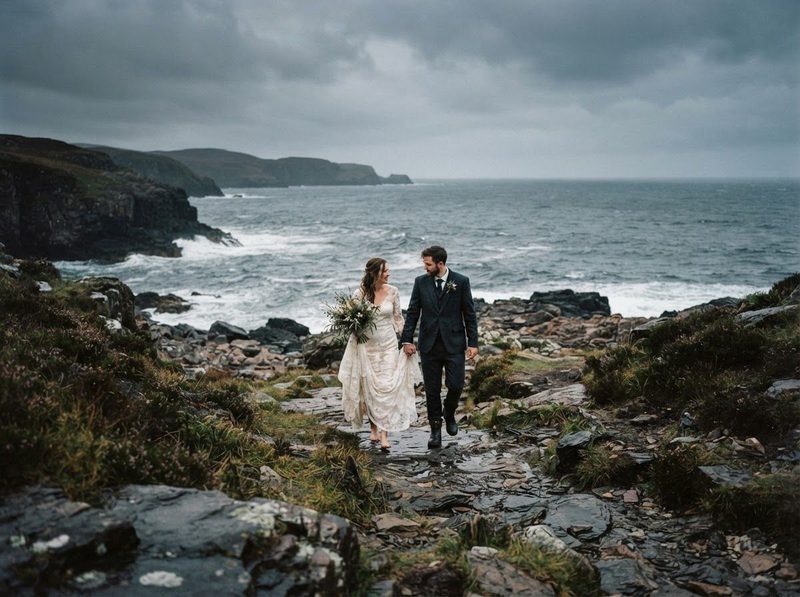
A couple walking a rocky coastline under a heavy grey sky
The part you love.Sat 6:40pm

One outdoor session, the old way

One photographer’s week

  1. MonForecast says sun. You stop checking.
  2. Thu11:20pmThree weather apps, three different answers
  3. Fri9:05pm60% rain, from nowhere
  4. Fri9:40pm“Should we still do this?”
  5. Sat4:30pmScouting a covered spot from the car

We can’t stop the rain. We can stop the surprise.

Take a break · How it watches

You stop refreshing the forecast at 2am.

Once a shoot is inside the seven-day forecast, ShotBreak checks it for you, and checks more often as the day gets close. When the outlook changes, you see it while there’s still time to decide.

  1. 4 to 7 days out

    Checked twice a day.

  2. 2 to 4 days out

    Four times a day.

  3. 1 to 2 days out

    Every two hours.

  4. The last day

    Every hour, right up to the shoot.

Live forecasts come from the US National Weather Service, so they cover US shoots.

You check it when you want to. Not at 2am.

What you see

It scores and flags. You make the call.

  1. Rain and conditions

    The forecast for your shoot window, in plain words.

  2. Which way it’s moving

    Better, holding or worse than the last check.

  3. How sure it is

    A score from 0 to 100, a risk level, and a flag when it’s worth a look.

  4. The best window and what to pack

    The best time to shoot that day, gear suggestions and a backup plan.

It never reschedules a shoot or messages your client for you.

Get your break · Plan B

Knowing it’ll rain is half the job.

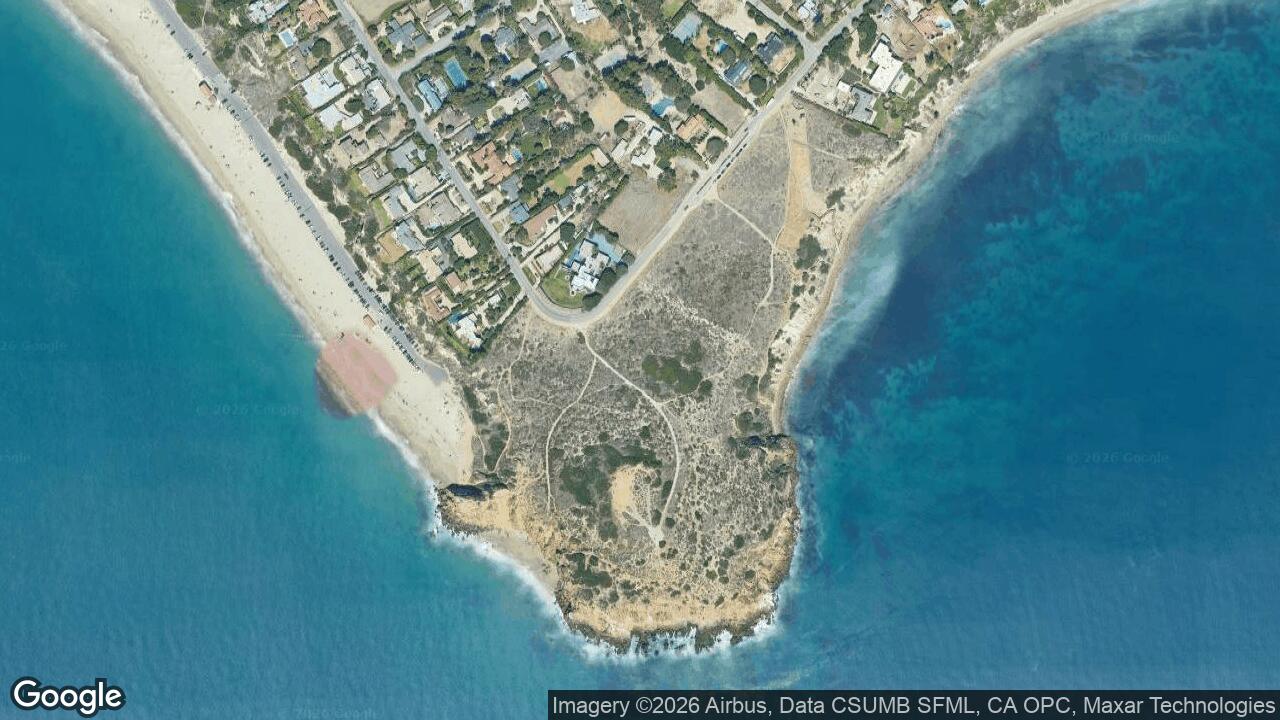
While it watches the sky, it looks for places nearby you could shoot instead and scores each one for this session, using what visitors say about it in Google reviews. The best one is picked for you. Change it if you know a better spot.

In your app
Your client’s page

Your client sees the forecast, how sure it is, and the backup spots with their scores, on their session page.

Pricing

Start free.
Upgrade when your bookings do.

Every plan runs your bookings, galleries, invoices and website. Bigger plans give you more room and take a smaller fee from client payments.

Starter

Price not available right now

For your first paying clients

—ShotBreak fee on client payments

Smart Select photos a month
—
Gallery storage
—
ArchiveRAW, TIFF and PSD files
—
Packages on your site
—
Sessions you add by hand
—
Clients pay a booking in 3ShotBreak Pay
—
Your own domain
—
Your own Enhance styles
—
Print size in Enhance
—
Start free

Pro

Recommended
Price not available right now

For a full season of shoots

—ShotBreak fee on client payments

Smart Select photos a month
—
Gallery storage
—
ArchiveRAW, TIFF and PSD files
—
Packages on your site
—
Sessions you add by hand
—
Clients pay a booking in 3ShotBreak Pay
—
Your own domain
—
Your own Enhance styles
—
Print size in Enhance
—
Start free

Business

Price not available right now

For a full booking calendar

—ShotBreak fee on client payments

Smart Select photos a month
—
Gallery storage
—
ArchiveRAW, TIFF and PSD files
—
Packages on your site
—
Sessions you add by hand
—
Clients pay a booking in 3ShotBreak Pay
—
Your own domain
—
Your own Enhance styles
—
Print size in Enhance
—
Start free

On every plan

  • Branded client galleries in every look and layout
  • Password or invite-only galleries
  • Contracts your clients sign online
  • Invoices with email payment reminders
  • A client portal for every session
  • Your site at yourname.shotbreak.com
  • Bookings from your site never count toward your sessions
  • Enhance credits cost the same on every plan

Start free. No card. Cancel anytime.

Compare every plan, line by line

ShotBreak Studio, the desktop editor, is free on every plan.

Questions

Before you
start.

Weather briefings cover US shoots for now, because the forecasts come from the US National Weather Service. The rest of ShotBreak works anywhere, including golden hour on your booking calendar.

Once your shoot is inside the seven-day forecast. Checks get more frequent as the day gets close, up to every hour on the last day.

No. It shows you the forecast, how sure it is, and a backup spot. Moving a session is always your call.

The forecast, how sure it is, and the backup spots with their scores, on their session page. Nothing is sent to them. They see it when they open the page.

It’s on by default when you create a session. You can switch it off for any session, like an indoor studio shoot.

Another question?

support@shotbreak.com

Walk in already knowing the sky.

Start free. Put your next outdoor session on it.

Start freeNo card to start. Cancel anytime.
Korinna, Founder