Magic Gallery

Drop the folder.Go to bed.Wake up to a gallery.

Drag in the whole shoot. ShotBreak picks the keepers, puts your look on, and builds the gallery.

No card to start. Cancel anytime.

Smart SelectStart from a shortlist, not two thousand frames.
Your lookOne finishing look across the whole set.
Your galleryIn your brand, waiting for your review.
Saturday · 22:47Sat 22:47You press start
Sunday · 07:30Sun 07:30Ready for your reviewReady to review
A family of four walking hand in hand through a meadow at sunset
The HartleysA family session · October
186 photos, in your brandSampleDraft · ready for your reviewDraft

See it working

Don’t take our word for it. Take the tour.

The real ShotBreak opens right here, with a sample studio in it, and a voice walks you through it. No sign-up, nothing to install.

About a minute · sound on

Don’t break

The shoot took an afternoon. The gallery took your week.

Two thousand frames to sort. Near-identical bursts to compare. One look to match across three cameras. A gallery to build and caption, photo by photo. None of it is photography, and all of it lands at night.

A young family walking through tall golden grass, the father carrying their baby
The part you love.Sat 5:30pm

After one family session

One photographer’s week

  1. Sat5:30pmThe session. The part you love.
  2. Sun12:50amCulling, frame 742 of 1,980
  3. Mon10:40pmMatching skin tones, the same slider forty times
  4. Tue11:15pmPicking between six near-identical frames
  5. Wed9:30pmBuilding the gallery, one upload at a time
  6. Thu7:45am“Hi! Any update on the photos?”

You didn’t fall behind on photography. You fell behind on everything after it.

Take a break · What happens overnight

You press start. It takes the night shift.

Upload the whole shoot once, JPEG or RAW. When the upload bar is done you can close the laptop. The work runs on our side.

One wedding, one night

Sample
  1. 22:47
    Smart Select

    Keepers picked.

    Every frame read for focus, eyes and expression. Near-duplicates stacked, blinks and motion blur flagged. A shortlist instead of two thousand frames.

  2. 23:20
    Your look

    A look suggested for this shoot.

    It previews a recommended finishing look on your own frames, with two alternatives beside it. Pick one, or let it carry on with the recommendation.

  3. 00:05
    Enhance

    The selects finished.

    Your look applied across the keepers, so skin tones match from the first frame to the last.

  4. 03:40
    Captions

    Captions written.

    Each photo gets a caption, so the gallery reads like a story, not a folder.

  5. 07:30
    Your gallery

    A draft gallery in your brand.

    Your name, your fonts, your cover. We email you when it’s ready to review.

Maren & Theo · 2,316 framesSample
Stacked · 4
Blink
Motion blur
Blink
Why this frame

Eyes open and sharp. The best expression in a stack of four.

Caption

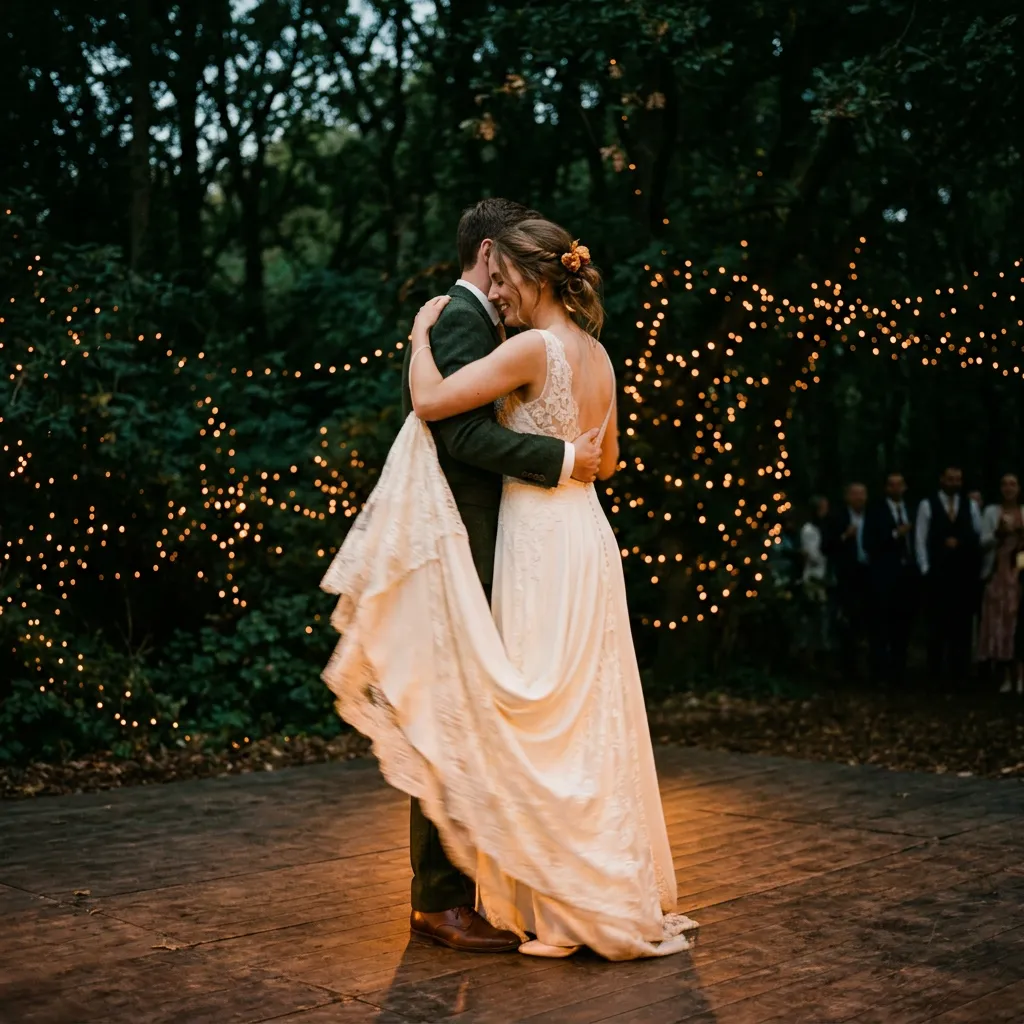
Their first dance, under the string lights.

Sun 07:30Sample
ShotBreakTo you

Your gallery is ready to review

Maren & Theo · Draft. Nothing has been sent to your client.

Nothing goes to a client until you’ve reviewed it.

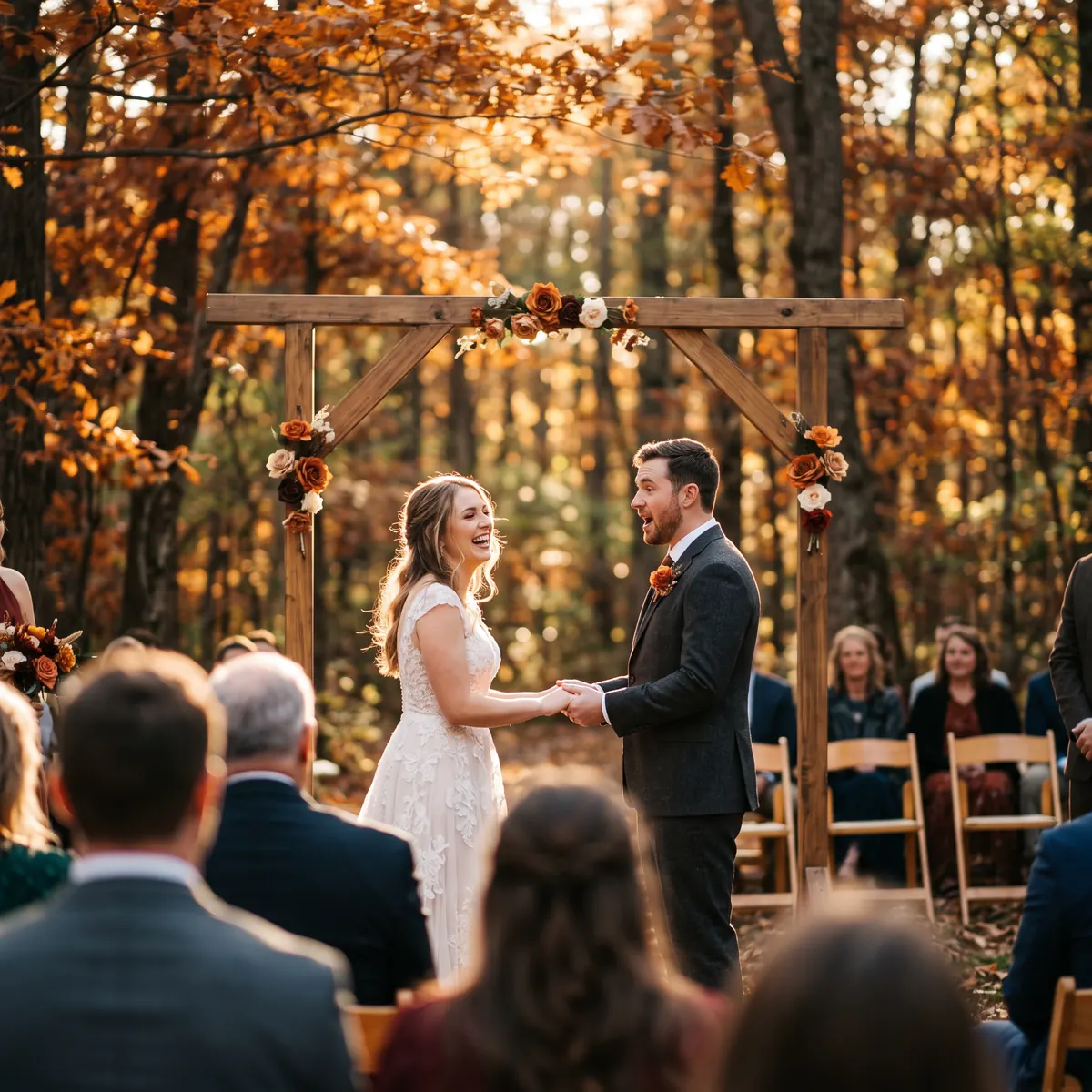
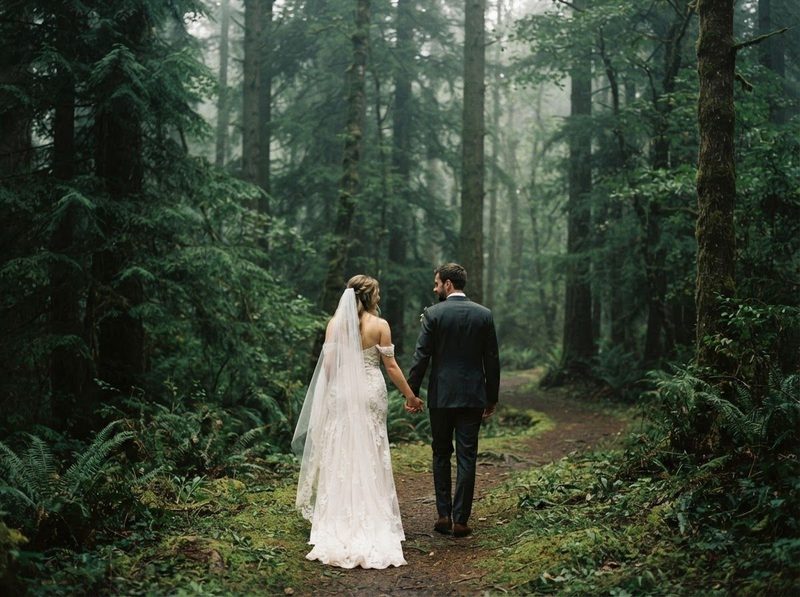
A bride and groom embracing in a forest, shown with the recommended finishing lookSampleRecommended for this sessionAs shotHearth
HearthRecommended
Alternative A
Alternative B

Your look

Suggested from your photos. Chosen by you.

The recommendation is previewed on frames from this shoot, not a stock sample. Keep it, switch to one of the alternatives, or pick from the full set of finishing looks. Use one look on every shoot and your galleries start to look like you.

  • Previewed on your own frames
  • Two alternatives, one click away
  • The same look across every frame in the set
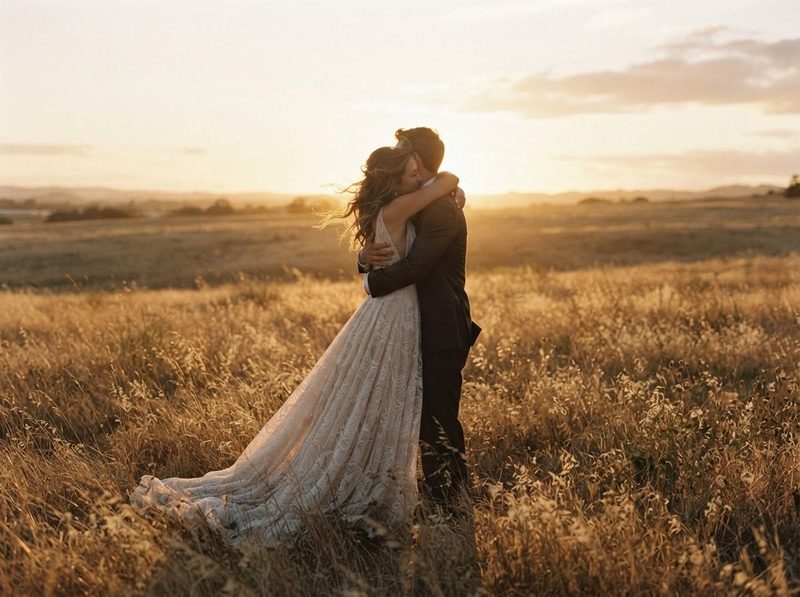
A couple in a golden field
Our one promise

Your photos are not training data.And they never will be.

Never trained on your photographs

Everything you upload is covered, from a whole shoot to a finished gallery.

Never sold or licensed to anyone who would

Photos you deliver through ShotBreak stay yours.

Never switched on by a future update

No opt-out buried in a settings page. No clause that turns this on later.

Read the full promise →Our terms say so.

Pricing

Start free.
Upgrade when your bookings do.

Every plan runs your bookings, galleries, invoices and website. Bigger plans give you more room and take a smaller fee from client payments.

Starter

Price not available right now

For your first paying clients

—ShotBreak fee on client payments

Smart Select photos a month
—
Gallery storage
—
ArchiveRAW, TIFF and PSD files
—
Packages on your site
—
Sessions you add by hand
—
Clients pay a booking in 3ShotBreak Pay
—
Your own domain
—
Your own Enhance styles
—
Print size in Enhance
—
Start free

Pro

Recommended
Price not available right now

For a full season of shoots

—ShotBreak fee on client payments

Smart Select photos a month
—
Gallery storage
—
ArchiveRAW, TIFF and PSD files
—
Packages on your site
—
Sessions you add by hand
—
Clients pay a booking in 3ShotBreak Pay
—
Your own domain
—
Your own Enhance styles
—
Print size in Enhance
—
Start free

Business

Price not available right now

For a full booking calendar

—ShotBreak fee on client payments

Smart Select photos a month
—
Gallery storage
—
ArchiveRAW, TIFF and PSD files
—
Packages on your site
—
Sessions you add by hand
—
Clients pay a booking in 3ShotBreak Pay
—
Your own domain
—
Your own Enhance styles
—
Print size in Enhance
—
Start free

On every plan

  • Branded client galleries in every look and layout
  • Password or invite-only galleries
  • Contracts your clients sign online
  • Invoices with email payment reminders
  • A client portal for every session
  • Your site at yourname.shotbreak.com
  • Bookings from your site never count toward your sessions
  • Enhance credits cost the same on every plan

Start free. No card. Cancel anytime.

Compare every plan, line by line

ShotBreak Studio, the desktop editor, is free on every plan.

Our guarantee

Run your next session through Smart Select. If it doesn’t save you an hour, email us and we’ll refund your first month.

Korinna, Foundersupport@shotbreak.com

Questions

Before you
start.

Yes, once the upload has finished. The culling, the look and the gallery all run on our side. Keep the page open until the upload bar is done, then go to bed.

Pick another. It previews the recommendation and two alternatives on your own frames, and you can choose any look from the full set. If you don’t choose within a few minutes, it carries on with the recommendation. Either way, nothing reaches your client until you’ve reviewed the draft.

It gives you a strong shortlist: sharp, eyes open, the best of each burst. You know your clients, so you review the draft gallery and add or remove photos before it goes anywhere.

No. The result is a draft gallery. We email you when it’s ready, and nothing goes to a client until you’ve reviewed it and sent the link yourself.

Yes. Drag in the whole shoot, RAW or JPEG.

Smart Select reads every photo you upload, one Smart Select photo each from your plan’s monthly allowance. Magic Gallery uses credits only for the photos it keeps: 1 credit per kept photo. Before you start, you choose the most photos it should keep, and that is the most it can use. If a shoot needs more credits, you buy them before you press start. Never a subscription.

You start with 200 free credits, enough for your first shoot: Magic Gallery uses 1 credit for each photo it keeps. Smart Select reads the shoot with your plan’s monthly photos. The free credits are yours for 90 days after you sign up, once per person.

No. Not now, not later. Your photos are not training data, and our terms say so.

Read the full promise

Another question?

support@shotbreak.com

Wake up to a gallery.

Start free. See your first gallery come together.

Start freeNo card to start. Cancel anytime.
Korinna, Founder